Logo
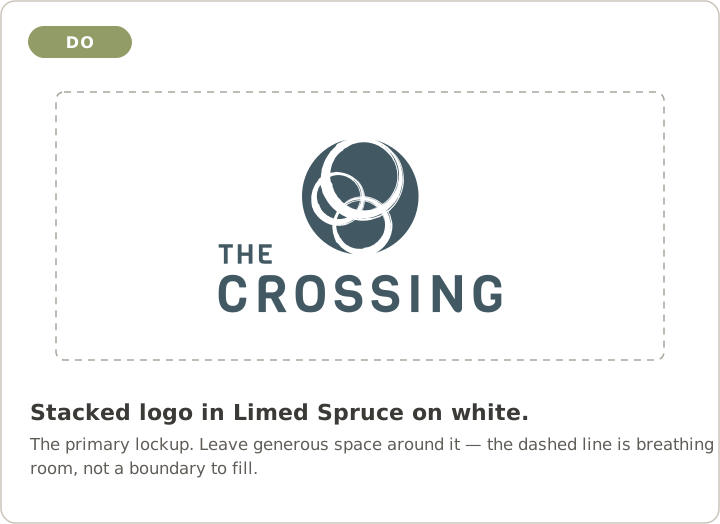
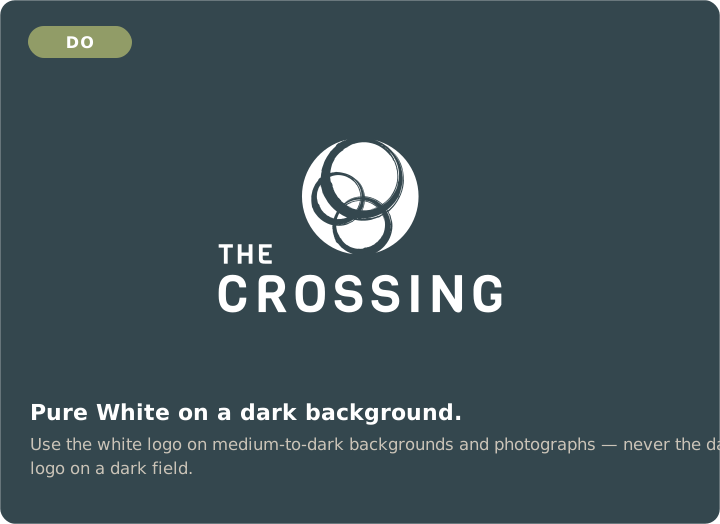
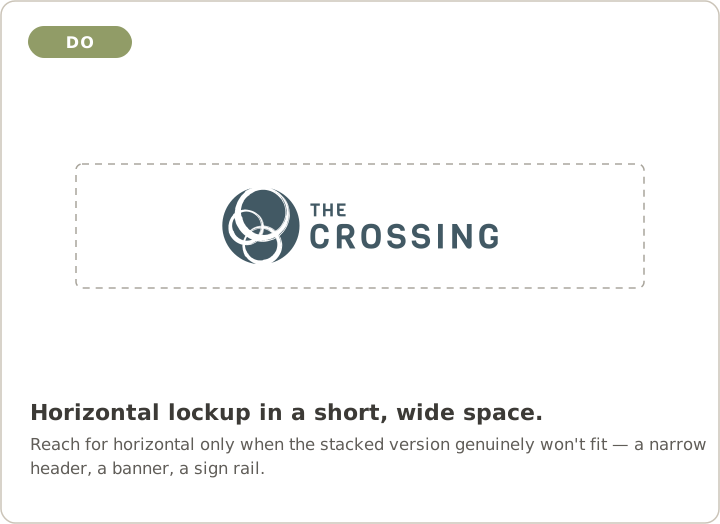
The stacked Limed Spruce lockup is primary — use it unless it won't fit, then use horizontal. Every Crossing lockup ships in three colorways as SVG and PNG. The ministry marks have their own colorways — see Sub-brands.
Colors
Click any swatch to copy its hex. Values come from the official Brand Guides 2023. CMYK/Pantone equivalents still need to be added for print.
Type
Six typefaces, by role. Bariol is the body font — not the wordmark (the logo is set in Viga).
Sub-brands
KidsCrossing and Youth Crossing each have their own mark and their own colorways. Don't recolor a ministry mark into the core palette, or the core logo into theirs — and note that the three approved Crossing colorways don't apply here. The five logo don'ts do.
KidsCrossing
Textured circle mark. The grain is part of the mark — don't clean it up or redraw it.
Charcoal · blue · white · black. The PNGs are ~28 KB each; kc-circle-black.svg is a 600 KB traced file, so reach for a PNG on screen.
Youth Crossing
"YC" circle mark. Most colorways come both with and without a grain texture.
Teal · light teal · cream · yellow · black · white · yellow-on-white. The grain PNGs run 6.7–7.7 MB. For anything on screen use the *-no-grain.png (~24 KB) or the SVG; save the grain files for print.
Guidelines
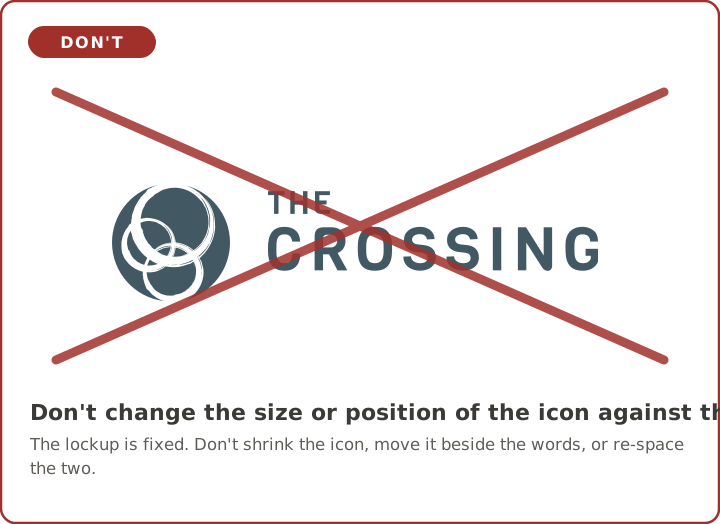
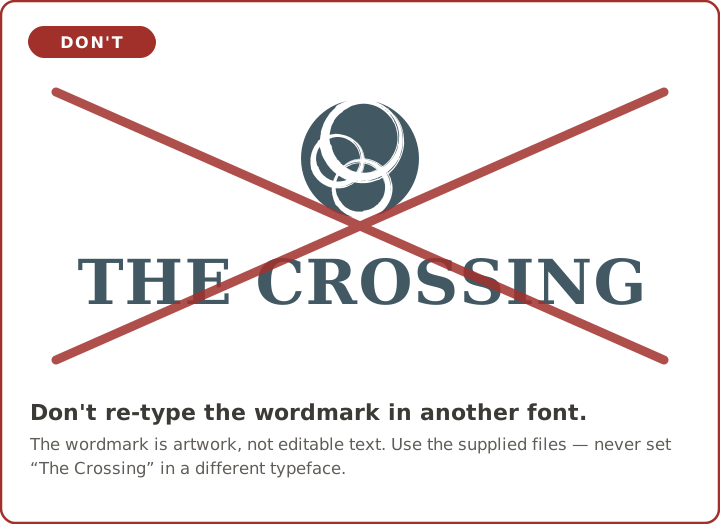
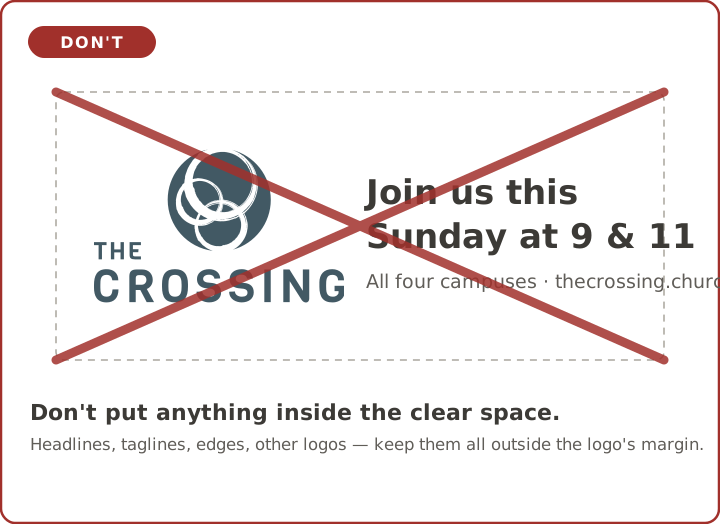
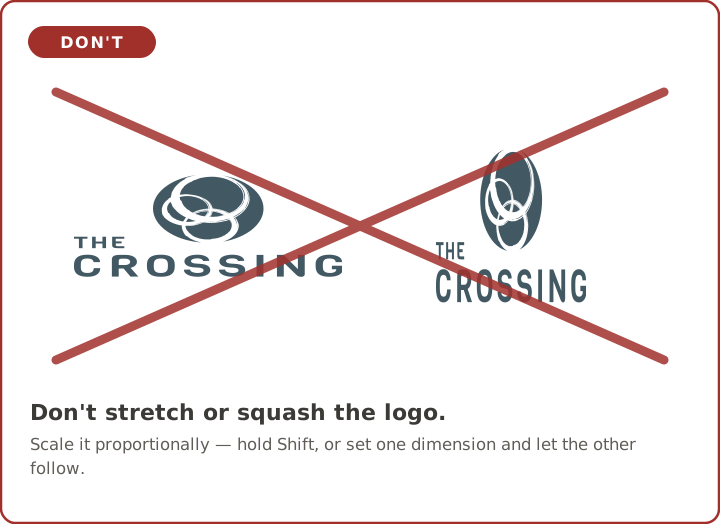
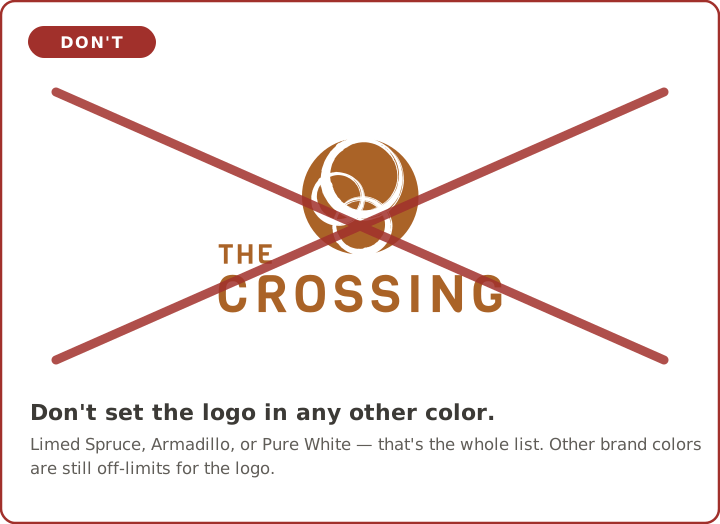
Five things never to do to the logo — with worked examples underneath.
Pull the brand into code
Every asset and rule is available as structured data at a stable raw URL — no auth. Point scripts and AI tools here to produce on-brand work.
curl -s https://raw.githubusercontent.com/TheCrossing-Church/brand/main/brand-kit.json \
| jq '.color_system.primary.crossing_blue.hex'
# → "#425964"